7.2 How to access рекламный аккаунт
Guide to using TikTok Business Center and ways to access TikTok рекламный аккаунтs.
7.2.1 Как пользоваться TikTok Business Center?
Что такое TikTok Business Center?
Business Center is a one-stop business hub for organizations of all sizes to activate marketing activities and collaboratively reach desired audiences on TikTok. Business Center enables organizations to centralize their assets and teams in one place, enabling permission allocation and asset usage efficiently and safely. Create a TikTok Business Center if you want the following:
- More than one person to manage and access your TikTok рекламный аккаунтs.
- To manage and share assets among multiple рекламный аккаунтs.
- To request access to other рекламный аккаунтs.
- Quickly share many рекламный аккаунтs with another organization in bulk.
Как пользоваться TikTok Business Center
How to Create a TikTok Business Center Account
Your TikTok account and TikTok рекламный аккаунт are not managed in the same place. If you want to run TikTok ads, you will need to create a TikTok рекламный аккаунт in the TikTok Business Center. (Note you need to do this on desktop rather than on the TikTok app). Before you can set up a TikTok рекламный аккаунт, you need to set up a TikTok Business Center account.
Шаг 1: Sign in to TikTok Business Center
- Go to the TikTok Business Center homepage.
- You can go directly to the page from your browser, or click the suitcase icon on the top right-hand corner of the TikTok Ads Manager dashboard.
- If you are a TikTok For Business user, but don't have a TikTok рекламный аккаунт:
- Click Log In to log in to your account.
- Click Enter Business Center once you are logged in.
- If you are not a TikTok For Business user, you will need to sign up as a new user.
Шаг 2: Create a TikTok Business Center account
- After logging in, click Create.
- Name your Business Center and select your time zone.
How to Create a TikTok Advertiser Account
You can create рекламный аккаунтs in a verified Business Center for different purposes, such as a single рекламный аккаунт for each brand or line of business you are promoting. Once created, this рекламный аккаунт will be owned by your Business Center.
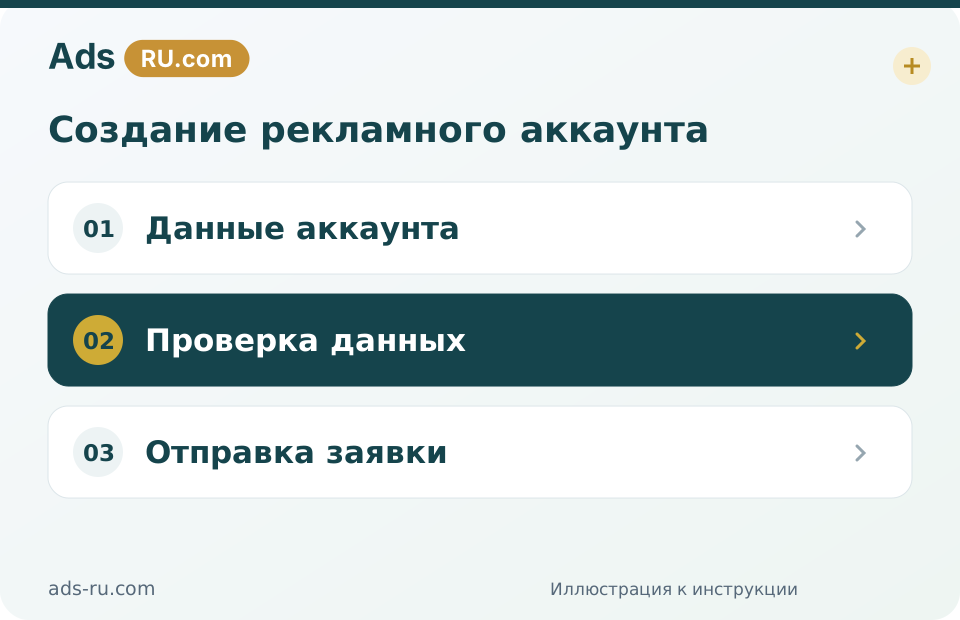
- Go to Advertiser accounts, and click Add Advertiser Account.
- Select Create New, and click Next.
- Fill in the required business information.
- If you use Business Center to promote your own business, you'll be asked to set up basic information such as account name, timezone, and billing information.
- If you are an agency using Business Center to promote someone else's business on their behalf, you'll be able to type in the company name of your client and select a matching name and address from a dropdown list.
Important: To prevent delays in account setup, try to match your business name to our records. When adding your рекламный аккаунт, use the search function on the page to find the matching company name. For example, if your business is a local branch of a company, ensure that the local name and not the headquarters business name is reflected. Any future modifications to the company name will trigger an ad review. Contact your representative if you are unsure or need assistance.
- Click Submit to finish.
Launching for select customers: Agencies will have the ability to re-use their clients' Business Certificate when creating multiple рекламный аккаунтs, reducing friction during this process. After an agency submits the Business Certificate information and it's approved for the first рекламный аккаунт, they can simply select the existing verified certificate for future рекламный аккаунтs.
Request Access to Ad Accounts
To manage an рекламный аккаунт on behalf of someone else, or to work on an рекламный аккаунт owned by another business, you can request access to this рекламный аккаунт. Upon approval, you will be able to assign someone from your Business Center with permission to it.
To request access to an рекламный аккаунт:
- Go to Advertiser accounts, and click Add Advertiser Account.
- Select Request Access, and click Next.
- Paste in the Account ID and select the Access Permission you want to request — admin, operator, or analyst. You can also choose to send an email notification to the рекламный аккаунт owner asking for approval.
After sending the request:
- If the рекламный аккаунт is created by a Business Center, please ask one of the рекламный аккаунт admins to accept the request in TikTok Ads Manager.
- If the рекламный аккаунт is created by an individual user and does not belong to any Business Center, please ask the рекламный аккаунт creator to accept the request in TikTok Ads Manager.
- The request can be found in TikTok Ads Manager's Notification, under Business Center.
After sending the request:
If you no longer need to manage this рекламный аккаунт and would like to remove it from Business Center, click the trash can icon and confirm the removal.
Note: You can't request access to a disapproved рекламный аккаунт.
7.2.2 Как открыть TikTok рекламный аккаунт?
Получить Ads-RU TikTok Ad Account
Once a customer completes the registration for a Ads-RU account, verification, and successfully tops up their account, Ads-RU will provide an рекламный аккаунт to the customer. For detailed steps on how to get a TikTok Agency Advertising Account, please see the Workflow guide.
Почему нет доступа к Ads-RU TikTok рекламный аккаунт?
Case 1: Ad account is closed for inactivity within 60 days
Because TikTok requires quota рекламный аккаунтs, the platform will remove and close all the рекламный аккаунтs that were not active for the last 60 days. We always send users a notification email 3 times to remind them before removing it, and in case we don't get a response, we will take action on it. In that case, please follow the instructions below:
- Regularly check emails from Ads-RU to ensure you can reactivate your рекламный аккаунт as quickly as possible.
- If it's been over 60 days and you haven't clicked reactive, please contact our support team (AM/LC) directly to get more assistance.
- See Support Channels.
Case 2: Don't have permission to access the рекламный аккаунт
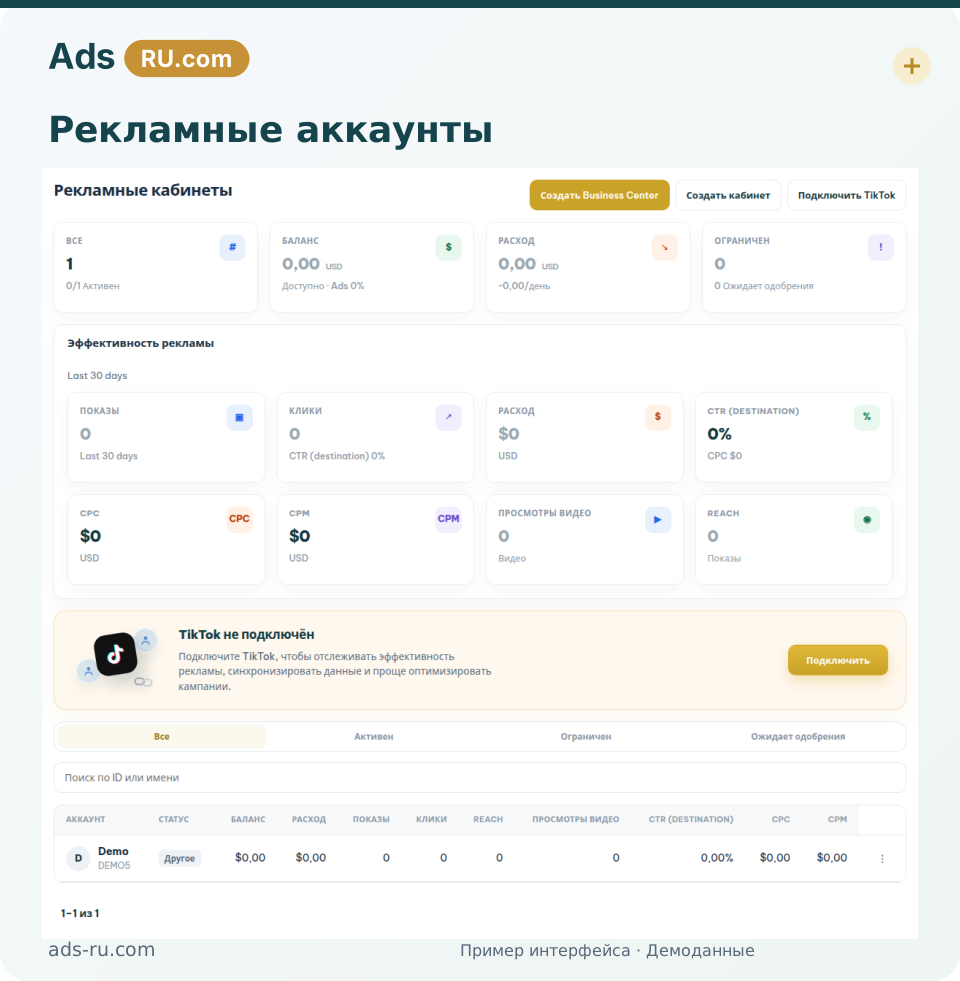
Access your рекламный аккаунт from your Business Center:
- Access your Business Center.
- In the tab Advertiser accounts or Member.
- Select the TikTok рекламный аккаунт shared by Ads-RU.
- Click Assign new member.
- Select a role for your own account Admin / Operator / Analyst (usually: Admin).
- Then, you can start your ad campaigns on TikTok.